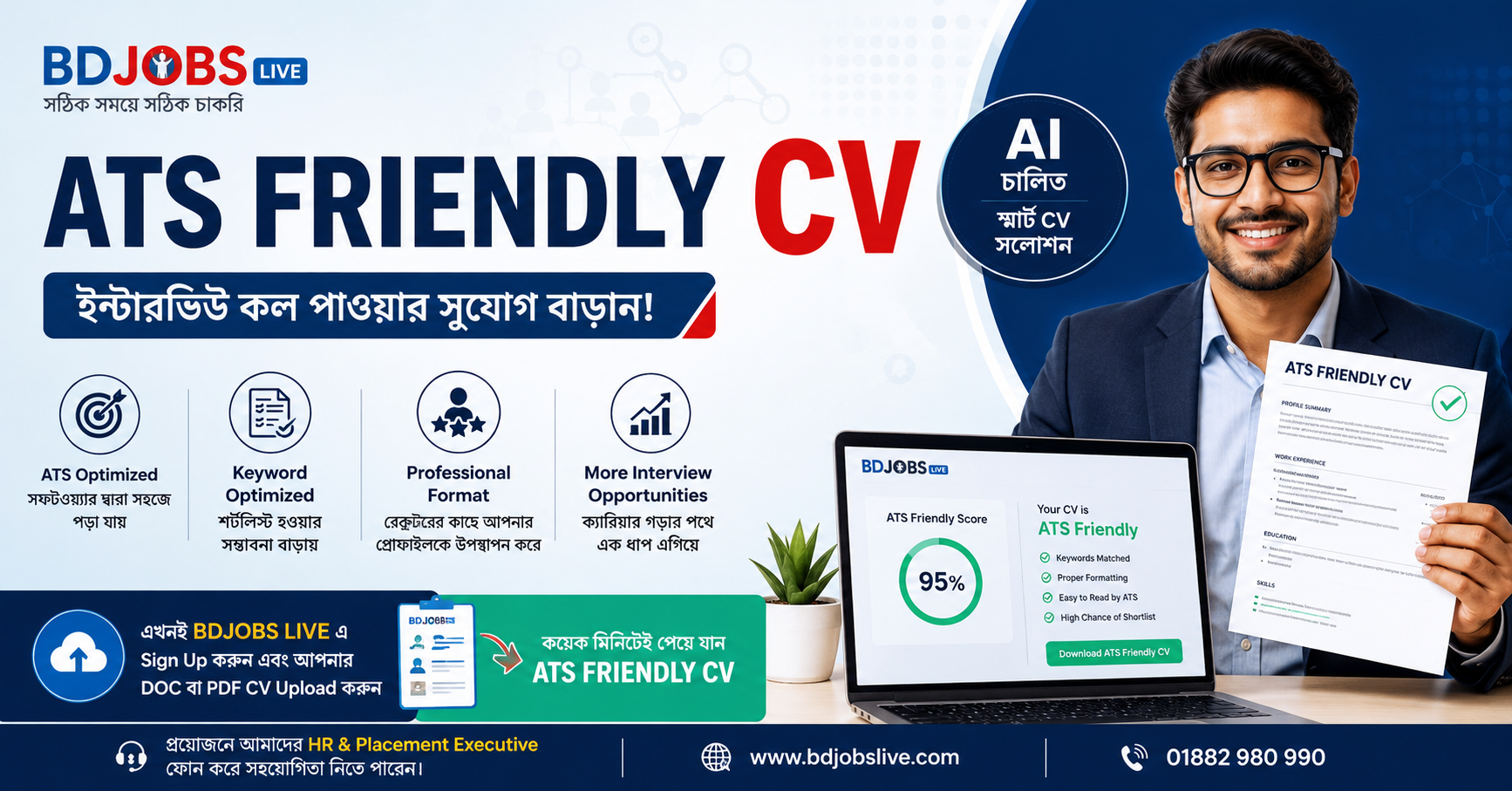
When you hit "submit" on a job application, your resume almost never goes directly to a hiring manager's inbox. Instead, it is routed through an Applicant Tracking System (ATS) — a software platform companies use to collect, scan, and filter applicants.
Think of an ATS as a highly specific search engine for recruiters. If your resume lacks the right structure and keywords, it will be automatically filtered out before a human ever sees it.
Here is exactly how to engineer your resume to pass the ATS scan and land on a recruiter's desk.
Just as a web page needs specific terms to rank in search results, your resume needs exact-match keywords from the job description to rank in an ATS. Recruiters search the database using specific skills, job titles, and tools.
Mirror the exact phrasing: If the job description asks for "Search Engine Optimization," write "Search Engine Optimization," not just "SEO." Better yet, include both: "Search Engine Optimization (SEO)."
Focus on hard skills: ATS algorithms prioritize tangible technical skills, software proficiency, and certifications over soft skills like "team player" or "hard worker."
Contextualize your keywords: Don't just dump a list of keywords at the bottom of the page. Integrate them naturally into your bullet points to show how you used them.
Modern design elements might look great to a human, but they actively break ATS parsers. These systems read documents strictly from left to right and top to bottom. Complex layouts confuse the parser, causing it to scramble your data or drop sections entirely.
Remove these from your resume:
Columns and sidebars (the ATS will read straight across both columns, creating gibberish)
Icons, logos, and graphics
Text boxes and tables
Headers and footers (information placed here is often ignored)
Stick to a single-column layout, standard margins (1-inch), and a clean hierarchy.
An ATS is programmed to look for conventional section titles to categorize your data properly. If you get overly creative with your headings, the system won't know where your experience ends and your education begins.
| Use These Standard Headings | Avoid These Creative Headings |
| Work Experience | My Professional Journey |
| Education | Academic Background |
| Skills | What I Bring to the Table |
| Summary | About Me |
Stick to universal, web-safe fonts that any system can render effortlessly. Arial, Calibri, Times New Roman, Helvetica, or Garamond are perfect choices. Keep the font size between 10pt and 12pt for body text.
When it's time to save your document, always submit a PDF unless the application explicitly demands a Word document (.docx). PDFs preserve your exact formatting across all devices. However, ensure it is a text-based PDF (created from a word processor), not an image-based PDF (like a scanned document), because an ATS cannot read text locked inside an image.
Once you pass the ATS, a human will read your resume. Your bullet points must satisfy both the machine (with keywords) and the recruiter (with impact).
Use the standard formula: Action Verb + Task + Quantifiable Result.
Weak: Handled backend server configurations.
ATS & Human Optimized: Automated remote server backups using bash scripts, reducing downtime by 15% and ensuring 99.9% uptime.
An ATS-friendly resume is fundamentally about clean data architecture and high-intent keywords. By stripping away visual clutter, sticking to a single-column hierarchy, and explicitly matching the job description's language, you ensure your qualifications actually reach the hiring manager. Focus on clarity, and let your experience speak for itself.